Hi 🙋♂️,
Summit NA is always one of the highlights of the year for me. It is a great opportunity to meet customers, partners, fellow MVPs, and Business Central community. This year was no exception. Thank you to everyone who attended my sessions, asked thoughtful questions, shared experiences, and continued the discussions afterward.

For those who attended, or for anyone who could not make it, I wanted to share a recap of my three sessions along with the presentation slides and key takeaways.
📊 From Insight to Action: Power BI Reporting for Dynamics 365 Business Central that Everyone Can Benefit
Power BI has evolved from being a nice-to-have reporting tool into a core component of the Business Central analytics experience. Organizations increasingly expect actionable insights to be available wherever users work, and Business Central provides multiple ways to make that happen.
During this session, we explored the complete reporting journey:
- Deploying and understanding Microsoft’s out-of-the-box Power BI reports
- Customizing reports for real business needs
- Building reports with Power BI Desktop
- Creating datasets and reports directly in the Power BI Service
- Embedding reports inside Business Central pages
- Delivering insights to finance, operations, and management users without requiring them to leave Business Central
One of the key messages from this session was that successful reporting is not about creating more dashboards. It is about bringing the right information to users at the moment they need to make decisions.
Presentation slides: CSNA26_PPT_Power BI
Key Takeaways
- Start with standard Business Central reports before building custom solutions.
- Invest in a clean semantic model that can be reused across multiple reports.
- Power BI Service capabilities are reducing dependency on Power BI Desktop for many reporting scenarios.
- Embedded analytics significantly improve adoption because users consume insights directly within Business Central.
📈 Practical Data Analysis Tools for Business Central Specialists
Business Central offers far more analytical capabilities than many users realize. While Power BI often receives most of the attention, there are numerous built-in tools that can help users analyze and understand their data without leaving the application.
In this session, we reviewed the complete toolbox available to Business Central specialists, including:
- Analysis Mode
- Copilot-assisted analysis
- Excel layouts
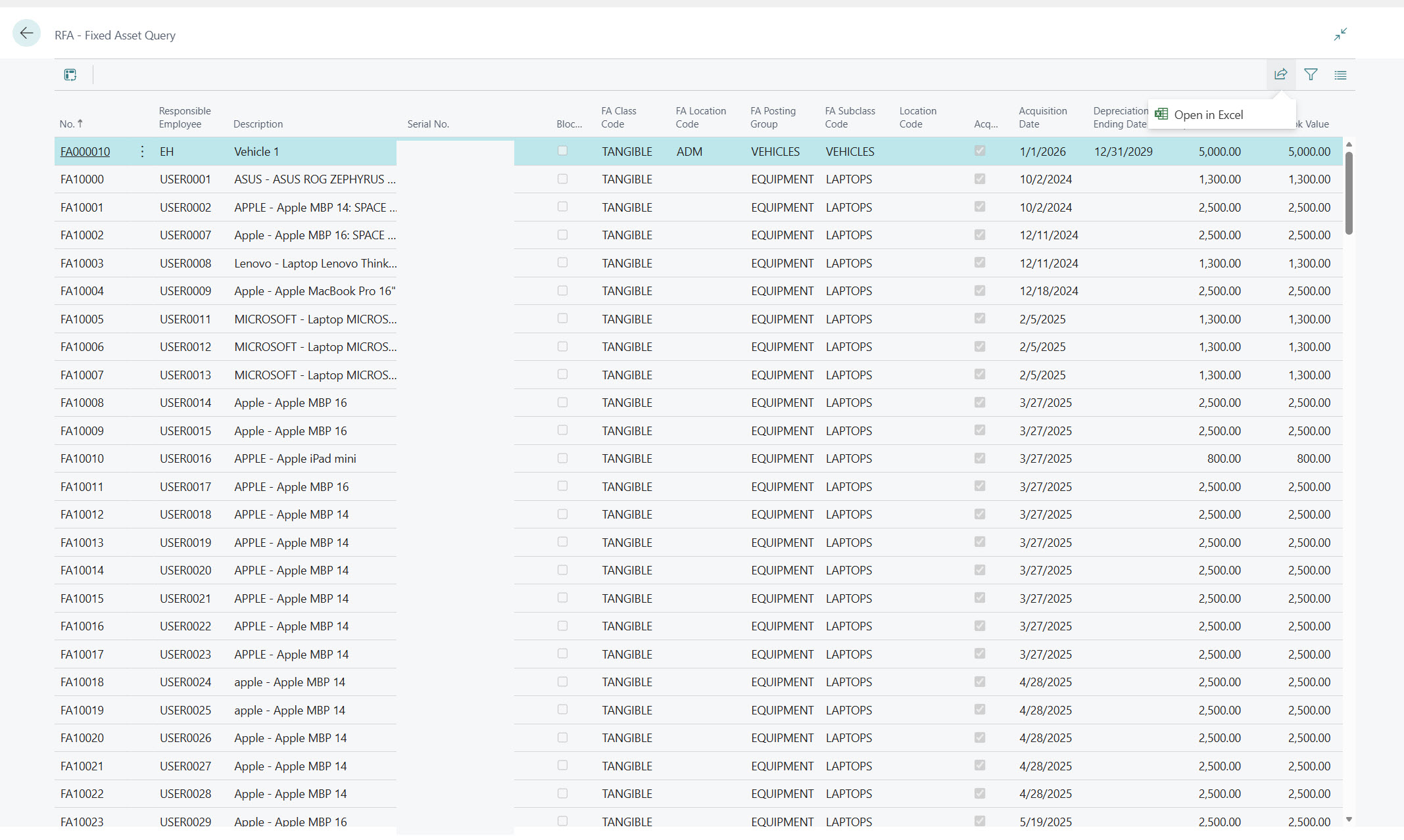
- Queries
- Standard reports
- Excel integration
- Power BI connectivity
The goal was to help consultants, functional experts, and power users choose the right analysis tool for the right scenario instead of immediately defaulting to a complex reporting project.
Presentation slides: CSNA26_PPT_Data_Analysis_final
Key Takeaways
- Not every reporting requirement needs Power BI.
- Analysis Mode is one of the modern capabilities in Business Central.
- Excel layouts provide powerful flexibility while keeping reports managed within the ERP.
- Copilot is making data analysis more accessible to business users.
- Understanding the entire reporting toolbox helps deliver solutions faster and with lower cost.
🤖 Building Custom AI Agents in Business Central: From Design Experience to Production AL Code
AI and MCP were the most discussed topics throughout the conference, and this session focused on one of the most exciting new capabilities arriving in Business Central: AI Agents.
Unlike traditional chat experiences, AI agents can act as autonomous workers. They can interpret business goals, execute processes, navigate Business Central, and collaborate with users through approval workflows and human-in-the-loop interactions.
During the session, we walked through the complete agent development lifecycle:
- Designing agents using the Agent Design Experience
- Defining agent identity, instructions, permissions, and profiles
- Testing against live sandbox data
- Exporting agent definitions
- Generating AL-based agent projects
- Implementing agent SDK interfaces
- Preparing agents for production deployment
We also discussed practical lessons learned while working with the current preview capabilities, including instruction design, permission scoping, testing strategies, and production readiness considerations.
The audience was particularly interested in how consultants and product owners can participate in agent design long before developers start writing AL code.
Presentation slides: CSNA26_PPT_Agents_final_final
Key Takeaways
- AI agents represent a new way of interacting with Business Central.
- The Agent Design Experience significantly lowers the barrier to entry.
- Well-written instructions are often more important than complex code.
- Permission design and governance must be considered from the beginning.
- The most successful agents focus on solving specific business problems rather than trying to do everything.
- Agent Playground – start your journey; Copilot Studio – expand beyond Business Central, Foundry – give your agents enterprise capabilities.
Business Central platform continues to evolve rapidly. We are seeing major innovation across analytics, reporting, AI, and user productivity. Whether your focus is data-driven decision making, self-service analysis, or AI-powered automation, there has never been a better time to be working with Business Central.
Thank you again to everyone who attended Milan’s and mine sessions, stopped by for a conversation, or connected with me during the conference. The community is what makes events like Summit NA truly special.
If you have any questions about the topics covered in these sessions, feel free to reach out through LinkedIn or leave a comment below. I would love to continue the conversation.
See you at the next event!
Cheers 🍻